IndianaUSAEarthMilky Way
Independent apps for every Apple device.
Private by design. Six apps for iPhone, iPad, Mac, Apple Watch, Apple TV, and Vision Pro, built and supported by one person.
- apps on the App Store
- 6
- Apple platforms
- 6
- languages
- 7
- light shows exported with Maestro (live count)
- —
Light show studio

Maestro
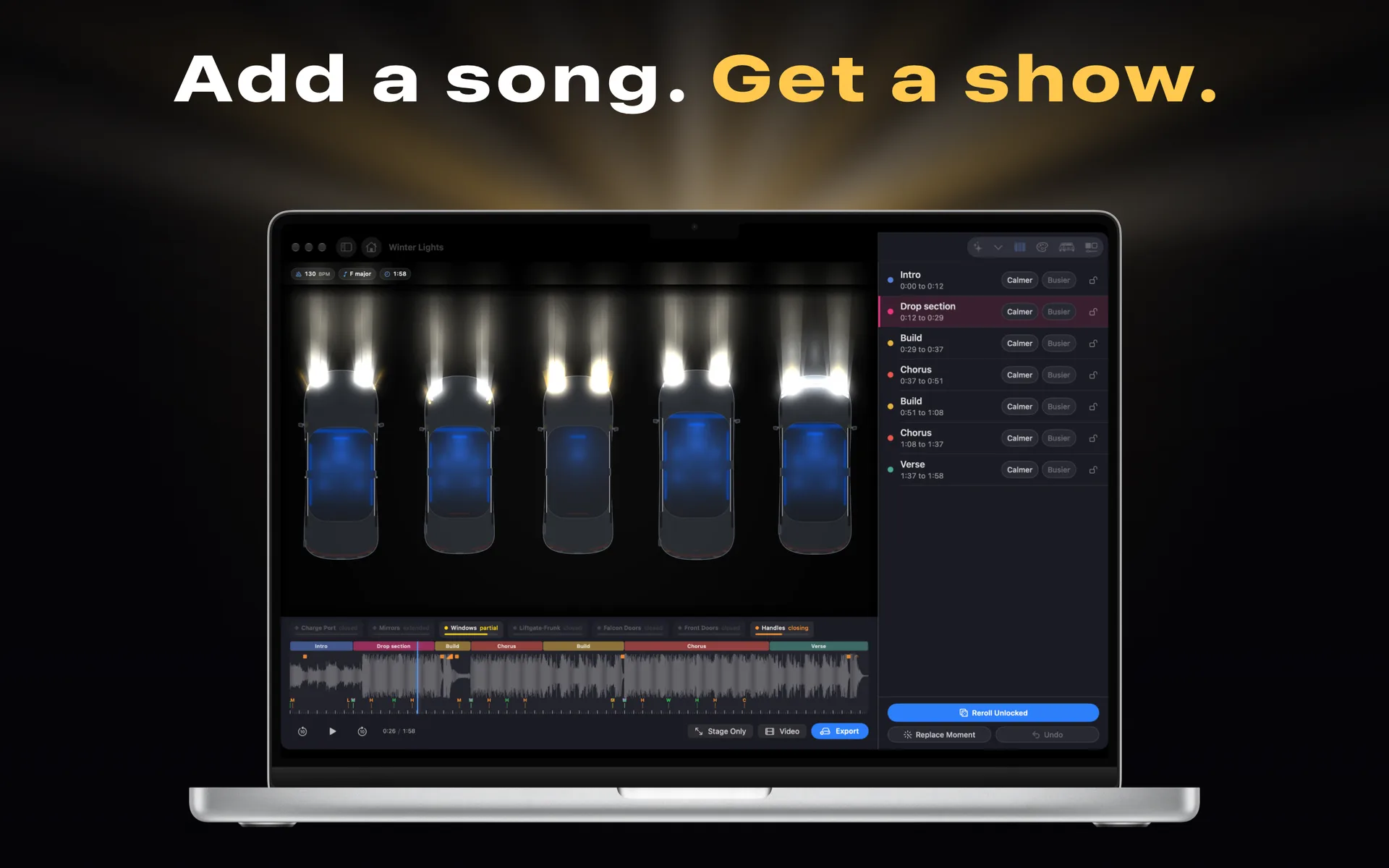
Turn any song into a Tesla light show, choreographed on your iPhone, iPad, or Mac.
Holiday sale: unlock Maestro for $4.99 through November 22, 2026 (regularly $12.99)
iPhone · iPad · Mac
Color studio

Opalite
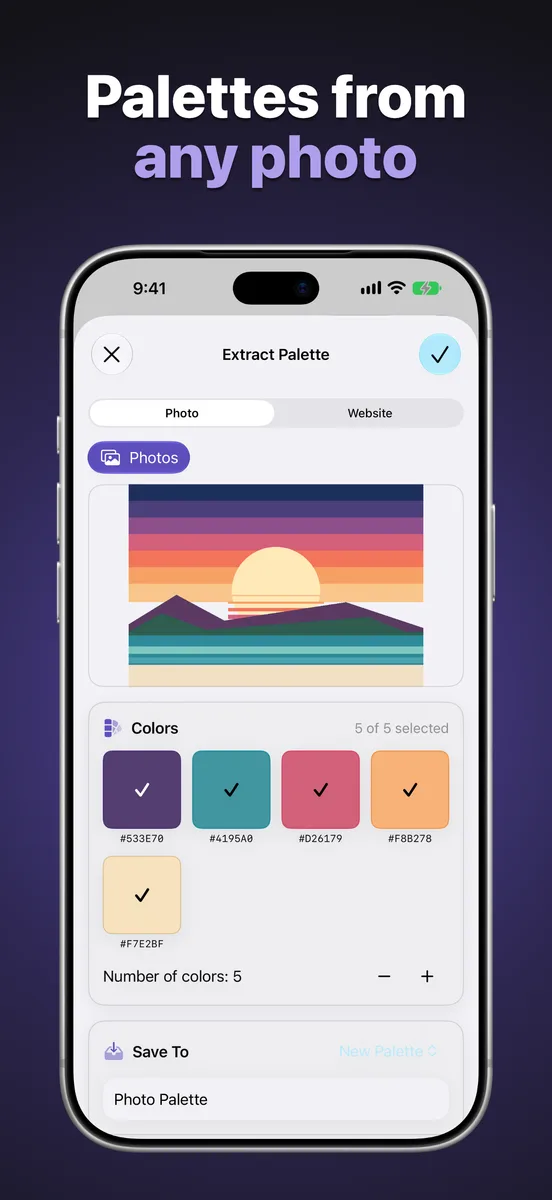
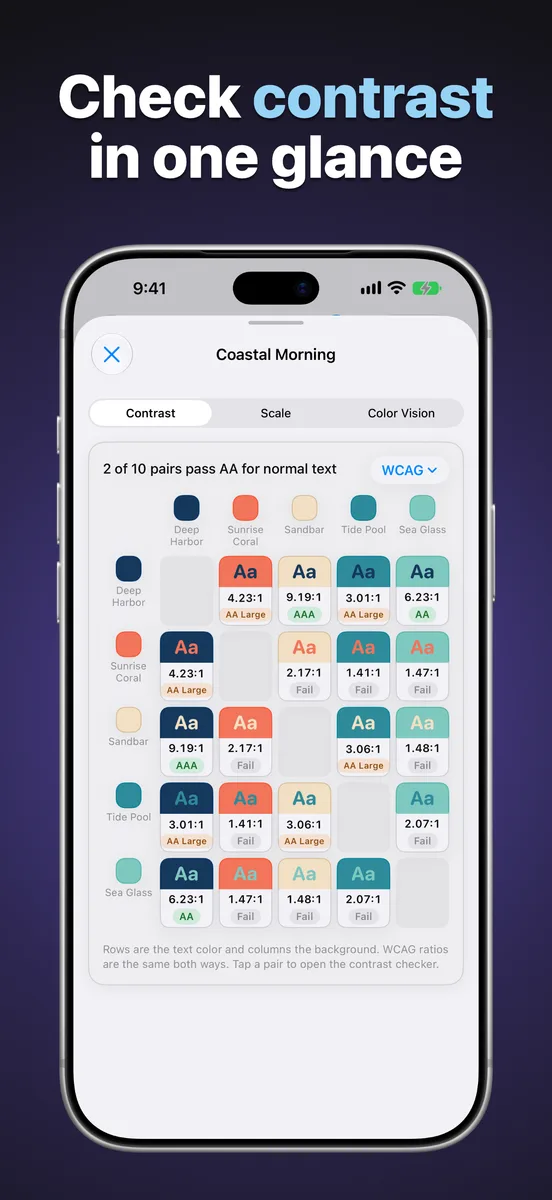
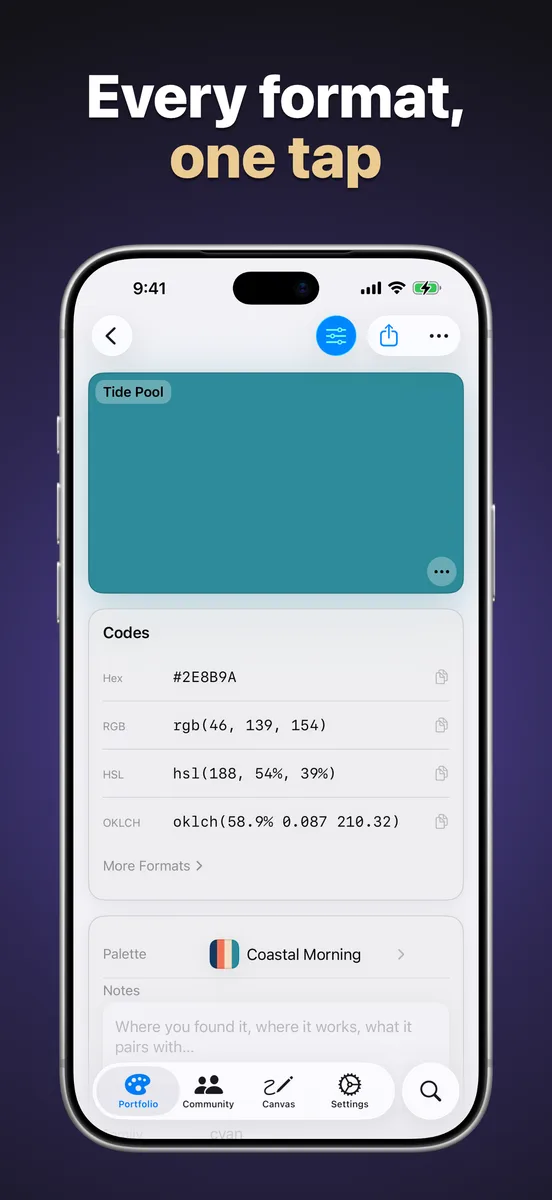
Pick, organize, check, and export colors on every Apple device you own.
Free, Onyx $9.99 one-time
iPhone · iPad · Mac · Apple Watch · Apple TV · Vision Pro
The catalog
Six apps. One studio.
Each one started as a problem worth solving for ourselves. All of them are on the App Store today.
| App | iPhone | iPad | Mac | Watch | TV | Vision | Price | Open |
|---|---|---|---|---|---|---|---|---|
| MaestroTurn any song into a Tesla light show, choreographed on your iPhone, iPad, or Mac.iPhone · iPad · MacFree to try, $12.99 one-time unlock | Yes | Yes | Yes | No | No | No | Free to try, $12.99 one-time unlock | |
| OpalitePick, organize, check, and export colors on every Apple device you own.iPhone · iPad · Mac · Apple Watch · Apple TV · Vision ProFree, Onyx $9.99 one-time | Yes | Yes | Yes | Yes | Yes | Yes | Free, Onyx $9.99 one-time | |
 SetDeckPlan the training week, log every set, and watch the numbers climb.iPhone · iPad · Apple Watch · Vision ProFree | Yes | Yes | No | Yes | No | Yes | Free | |
 MygraLog migraines in seconds and let on-device intelligence find the patterns.iPhone · iPad · Apple Watch · Vision ProFree, Mygra Plus from $2.99/mo | Yes | Yes | No | Yes | No | Yes | Free, Mygra Plus from $2.99/mo | |
 StorkTrack the deliveries you perform, visualize trends, and celebrate every birth.iPhone · iPad · Mac · Apple WatchFree, Stork Pro $4.99 one-time | Yes | Yes | Yes | Yes | No | No | Free, Stork Pro $4.99 one-time | |
 WaffleKeep several live pages on screen at once: a grid on iPad, two pages on iPhone.iPhone · iPadFree, Syrup $4.99 one-time | Yes | Yes | No | No | No | No | Free, Syrup $4.99 one-time |
The studio
Why Farside
A one-person studio in Indiana, building the apps we wanted to use ourselves.
Read the privacy policy for the specifics on each app, or visit support if you need a hand.
Private by design
Most of our apps collect no data at all. What you enter stays on your device and in your own iCloud account. No analytics SDKs, no ad networks, nothing sold.
Every Apple platform
Native Swift and SwiftUI on iPhone, iPad, Mac, Apple Watch, Apple TV, and Vision Pro, with one library that syncs between all of them.
Speaks your language
Each app is localized in four to five languages, including English, Spanish, French, Japanese, German, Dutch, and Norwegian.
Guides
Plain-language how-tos
A few for each app. Some work whether or not you ever install one.
Maestro
- How to make a custom Tesla light show
- How to set up a USB drive for a Tesla light show
- Tesla light show not working: a troubleshooting checklist
Opalite
- WCAG color contrast explained
- How to check a whole palette for contrast at once
- Designing for color blindness